APK vs AAB: Android File Formats Compared
Choose APK to test an app on a device. Choose AAB for a separate app-store publishing workflow.
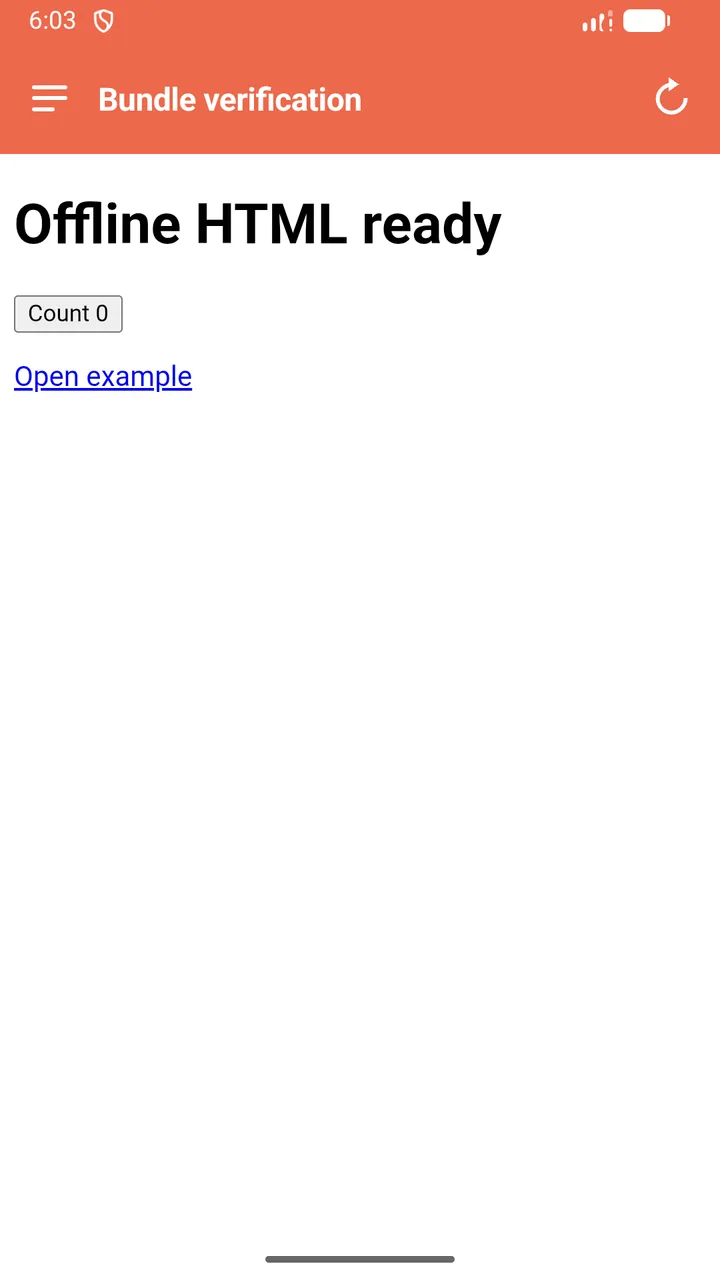
APK: installation and testing
An APK is an Android installation package. Use it to test the generated app on supported Android devices and share through appropriate distribution channels. Device settings and distribution requirements still apply.
AAB: publishing
An Android App Bundle is a publishing format. A store such as Google Play uses the bundle to produce packages for supported devices. It is not a file you normally tap to install directly on a phone.
Both formats are free here
Web2Apk builds APK and AAB output locally without a login or export fee. Save the project and keep its signing-key backup, whichever output you choose.
A file is not an approval
A valid package does not guarantee acceptance by a store. Developer verification, signing requirements, testing, policy compliance, and the store listing are separate responsibilities. Check the current requirements before distributing your app.
APK and AAB compared
| Question | APK | AAB |
|---|---|---|
| What is it? | An Android installation package. | An Android publishing bundle. |
| Can I install it directly? | Yes, on a compatible Android device with installation permitted. | Not by tapping the AAB. Use a store testing track or bundletool to generate APKs. |
| When should I use it? | Device testing or direct distribution. | A publishing workflow that accepts app bundles, such as Google Play. |
| Does Web2Apk charge for export? | No. | No. |
| Does generating it prove Play compliance? | No. | No. |
Official references
Use these primary sources for platform details and current requirements.