How the Browser-Based APK Builder Works
Your browser is the workspace. Your device does the building.
1. Choose your starting point
Paste the HTTPS address of a website you own or have permission to package. Alternatively, paste or import a self-contained HTML file, or create a text page. Your project is saved in this browser.
2. Make it yours
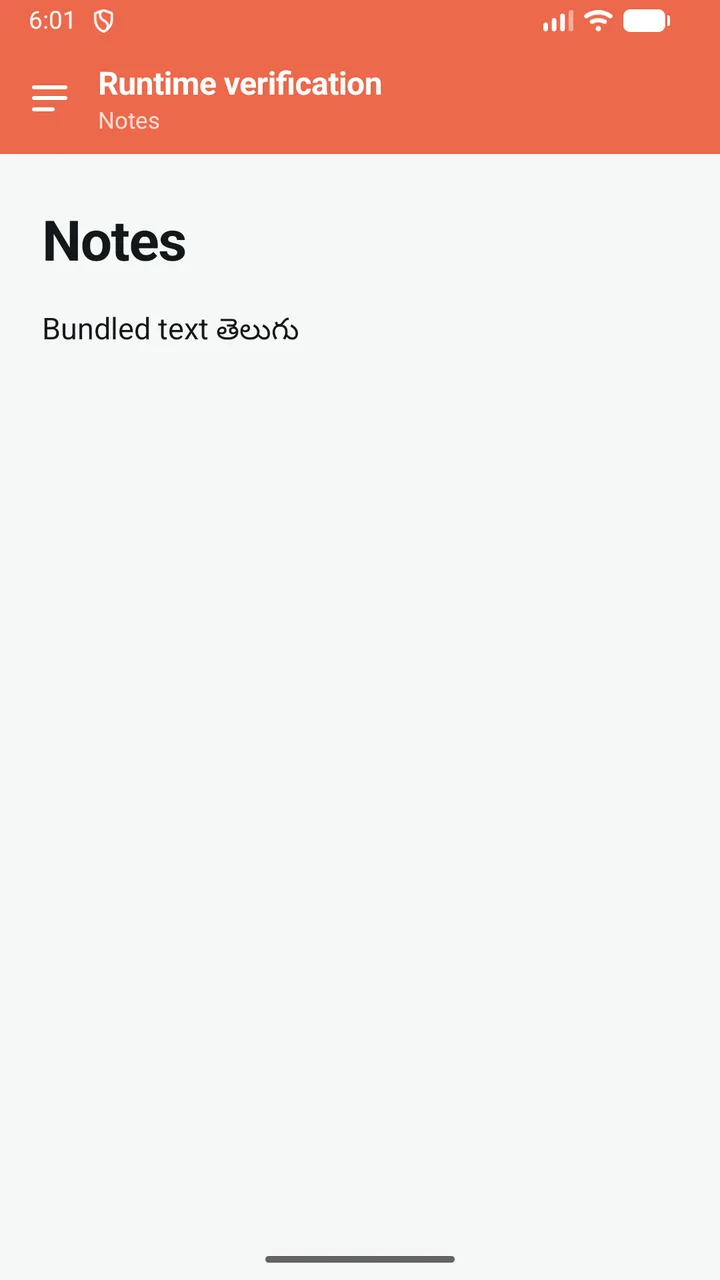
Set the app name and package name. Add an icon, choose a color and theme, and arrange your sections. The phone mockup previews the layout; it is not a live simulation of every website feature.
3. Keep your signing key
Create a key with a password or unlock an existing encrypted backup. Download a separate key backup and keep its password safe. Only the encrypted backup is persisted; the unlocked private key stays in memory.
4. Build locally
The browser downloads a generic Android template and the signing runtime from this website, checks the template hash, inserts a fixed copy of your saved configuration, and signs the output. Your project and private signing key are not sent to a build server.
5. Download and test
Download an APK to install on an Android test device. AAB is a publishing format for a separate store submission. Test your site's navigation, authentication, downloads, permissions, and display on the devices you intend to support.
6. Update deliberately
Save a new draft, then generate another build. Use the same package name and signing key to update an existing app, and a higher version code. The browser tracks version codes for this origin. If you moved devices without a current backup, set a minimum version code above the last released build. Live website content can change independently; bundled configuration only changes through an app update.